
1 / 11
Description
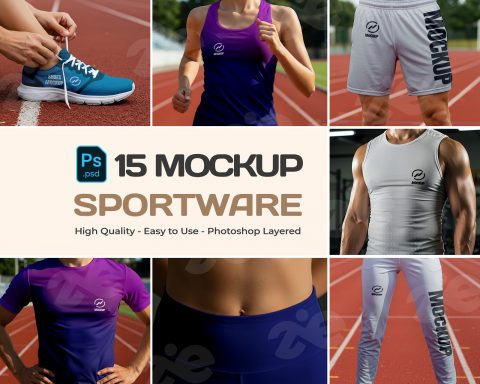
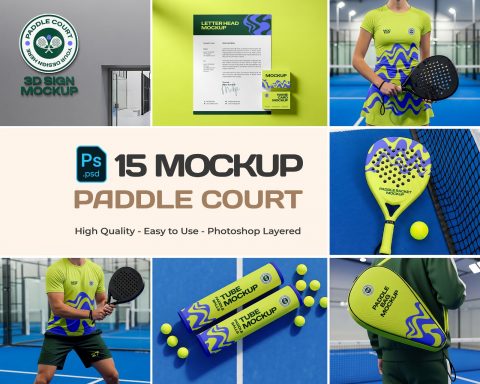
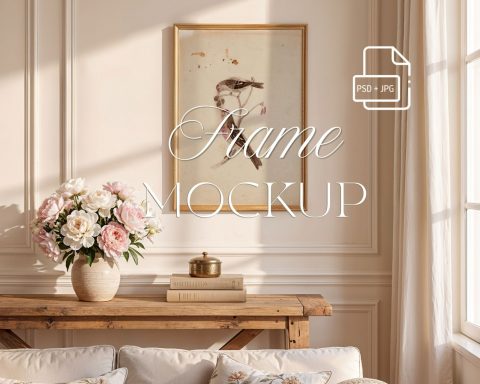
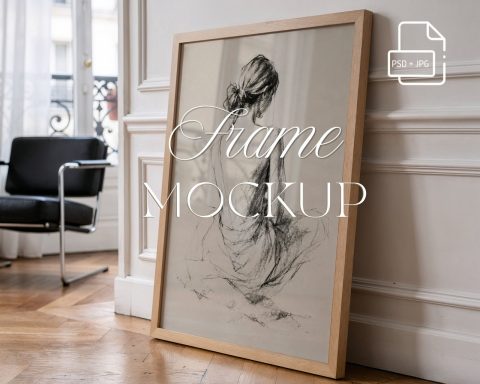
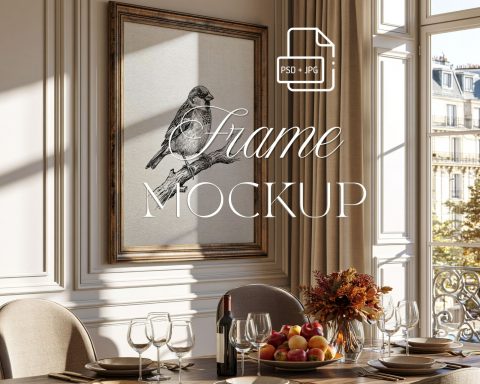
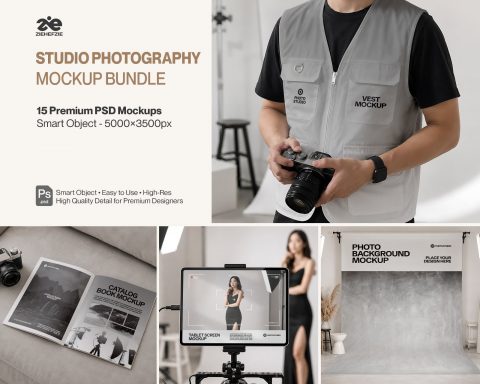
______________________________________________________________ ✨ What’s Included: • 15 PSD file with Smart Object layer for easy design insertion • 15 JPG file (5000x3500px, 150DPI) • 1 PDF Help File ______________________________________________________________ ✨ How to Add Your Graphics in Photoshop: 1. Open Photoshop and double-click on the Smart Object layer. 2. Drag your graphic onto the template. 3. Resize and align it with the card’s dimensions. 4. Save your work.

Be kind and constructive. Sellers appreciate specific feedback.
No comments yet — start the conversation.







More like this
Picked from the tags and category of Premium Gym Branding Mockup Bundle